If you spend hours a day typing on your phone - and let's be honest, most of us do - there's a surprisingly satisfying upgrade hiding in your Samsung Galaxy settings. You can now customize the look of your keyboard, and it's the kind of small change that makes your phone feel genuinely personal.
Why this actually matters
We personalize our home screens, our cases, our wallpapers. But the keyboard is where your fingers live. It's one of the most-used surfaces on your phone, and for a long time it was just... there. A grey or white grid you barely thought about. The ability to restyle it puts a little more of you into the everyday experience of using your device.
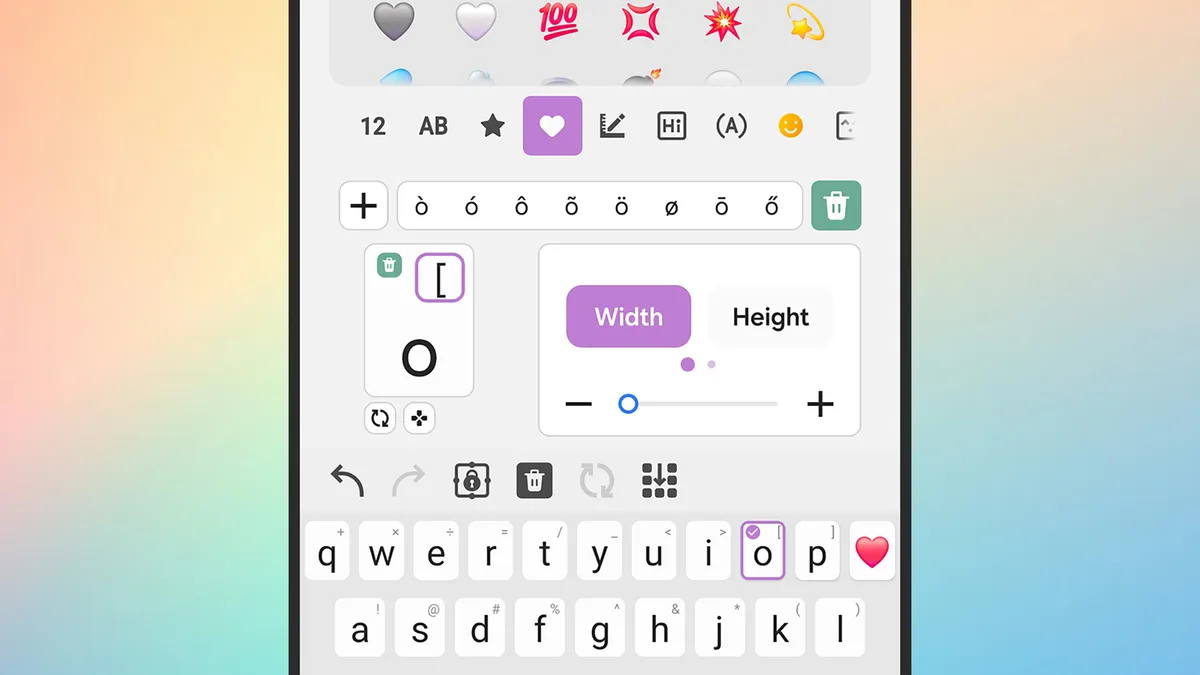
What you can actually change
Samsung's built-in keyboard, Samsung Keyboard, gives you a range of visual options to play with. You can swap in different color themes, adjust the key style, and even use your own photos or images as a keyboard background. Whether you want something minimal and sleek or something a little bolder and more expressive, there's room to make it work for your aesthetic.
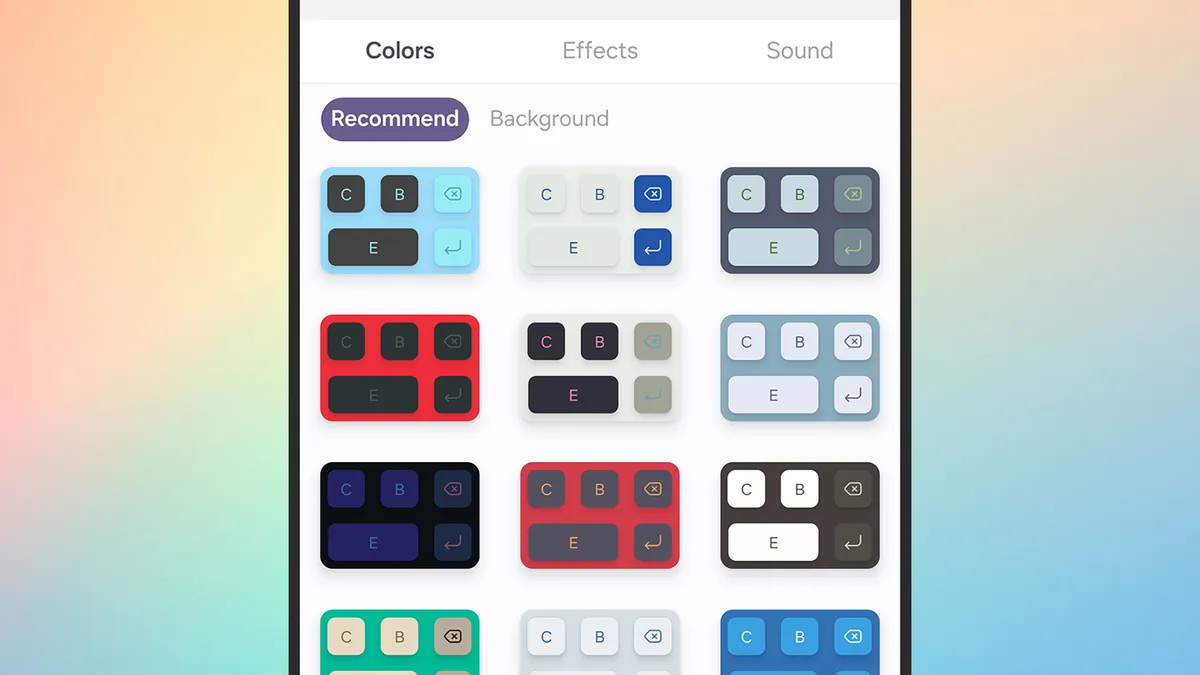
How to get started
Getting into the settings is straightforward. Head to your phone's Settings app, then navigate to General Management and tap Samsung Keyboard Settings. From there, look for the Style and Layout section - this is where the customization options live. You'll find theme choices, key borders, and background options. It takes about two minutes to completely change how your keyboard looks.
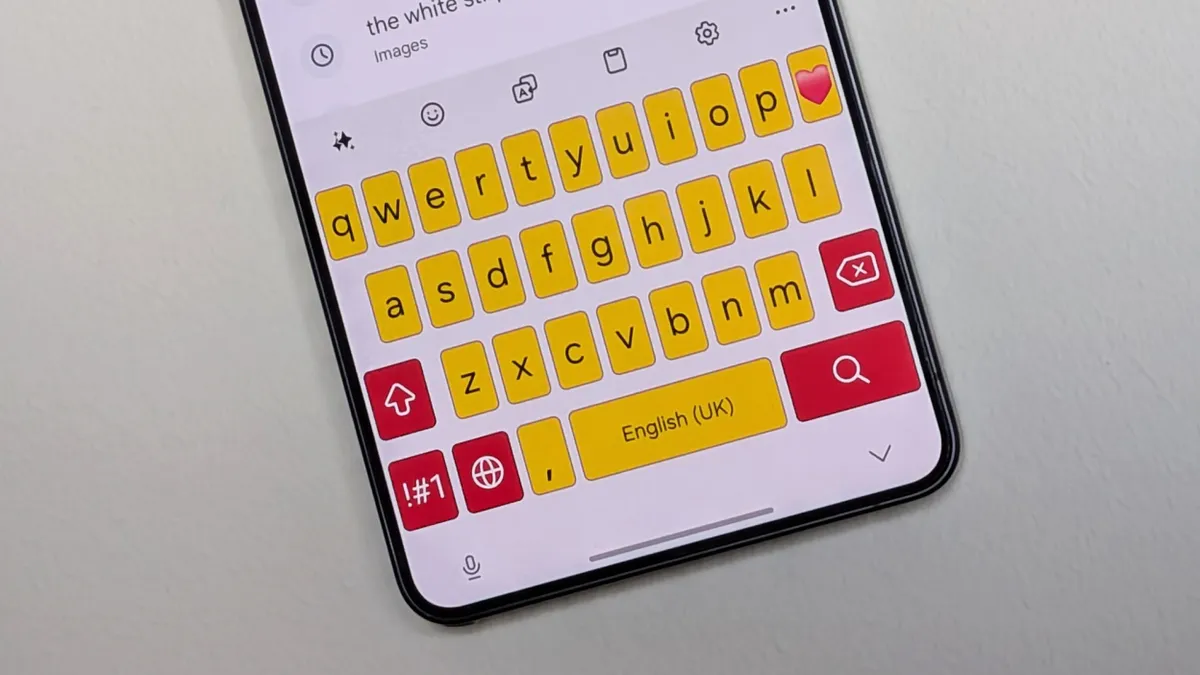
If you want to use a personal photo as the background, that option is tucked into the theme settings as well. Just be mindful of contrast - a busy image can make the keys harder to read, so a softer or more muted photo tends to work better in practice.
A small change with a surprisingly big feel
It might sound like a minor tweak, but personalization has a real effect on how enjoyable it is to use your devices day to day. When something feels like it belongs to you - not just a default setting you never got around to changing - it's genuinely more satisfying to use. And in a world where most of our phones look nearly identical, a custom keyboard is an easy, free way to make yours feel a little different.
According to Lifehacker, the feature is available on Samsung Galaxy devices running Samsung Keyboard, so it's worth checking your settings if you haven't explored this area before. It's one of those things you didn't know you wanted until you try it.