
In a move that absolutely no one saw coming (everyone saw it coming), Microsoft is reportedly working on letting Windows 11 users move and resize the taskbar. You know, the thing Windows users have been begging for since Windows 11 launched with a taskbar so locked-down it made North Korea look flexible.
Wait, we couldn't do this already?
Nope. When Microsoft rolled out Windows 11 back in 2021, they decided in their infinite wisdom that the taskbar should live at the bottom of your screen, centered, and absolutely nowhere else. No moving it. No resizing it. No docking it to the side like a civilized person who has been doing that since the Clinton administration.
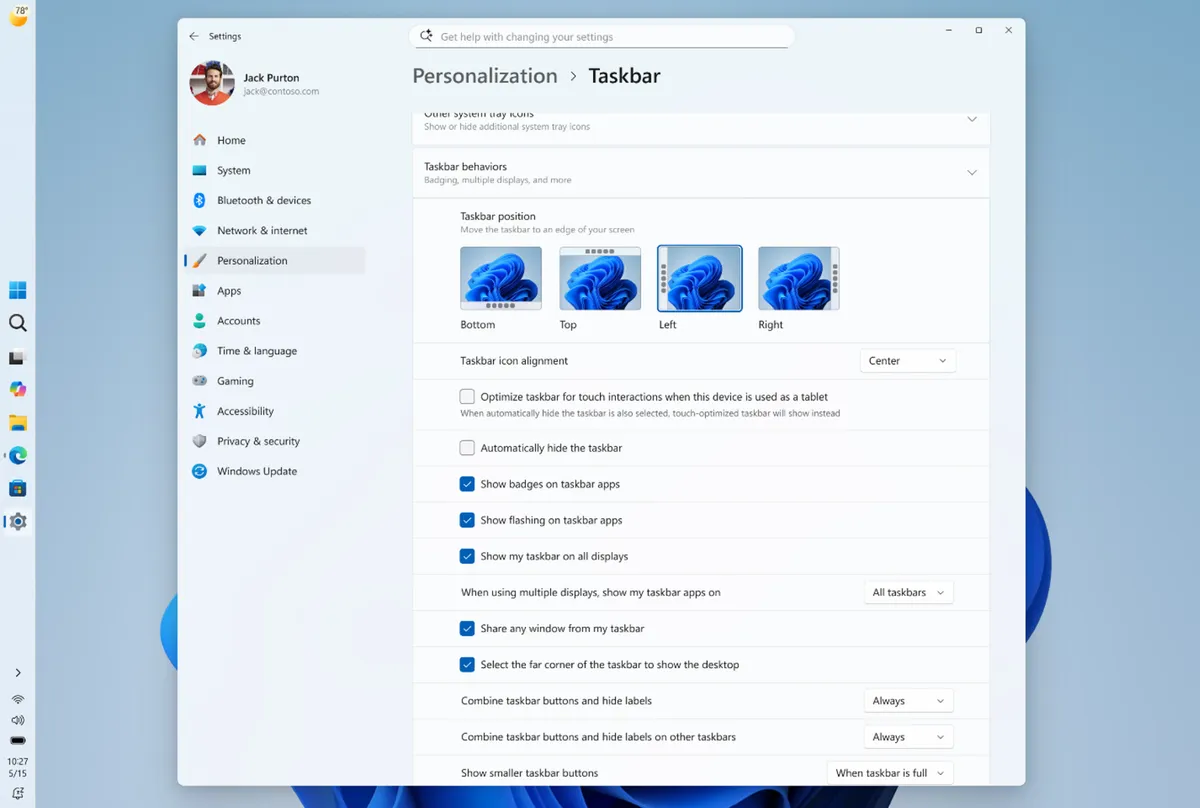
Windows 10 users had full taskbar flexibility. Windows 11 took that away. The internet was, predictably, furious. Forums lit up, Reddit threads multiplied, and third-party workarounds like ExplorerPatcher became weirdly popular downloads. People really, really care about their taskbar placement. This is where we are as a civilization.
What's actually changing
According to Lifehacker, the upcoming update will let users finally reposition the taskbar and adjust its size. That means side-docking is back on the menu, and vertical taskbar fans can finally uninstall their workarounds and touch grass.
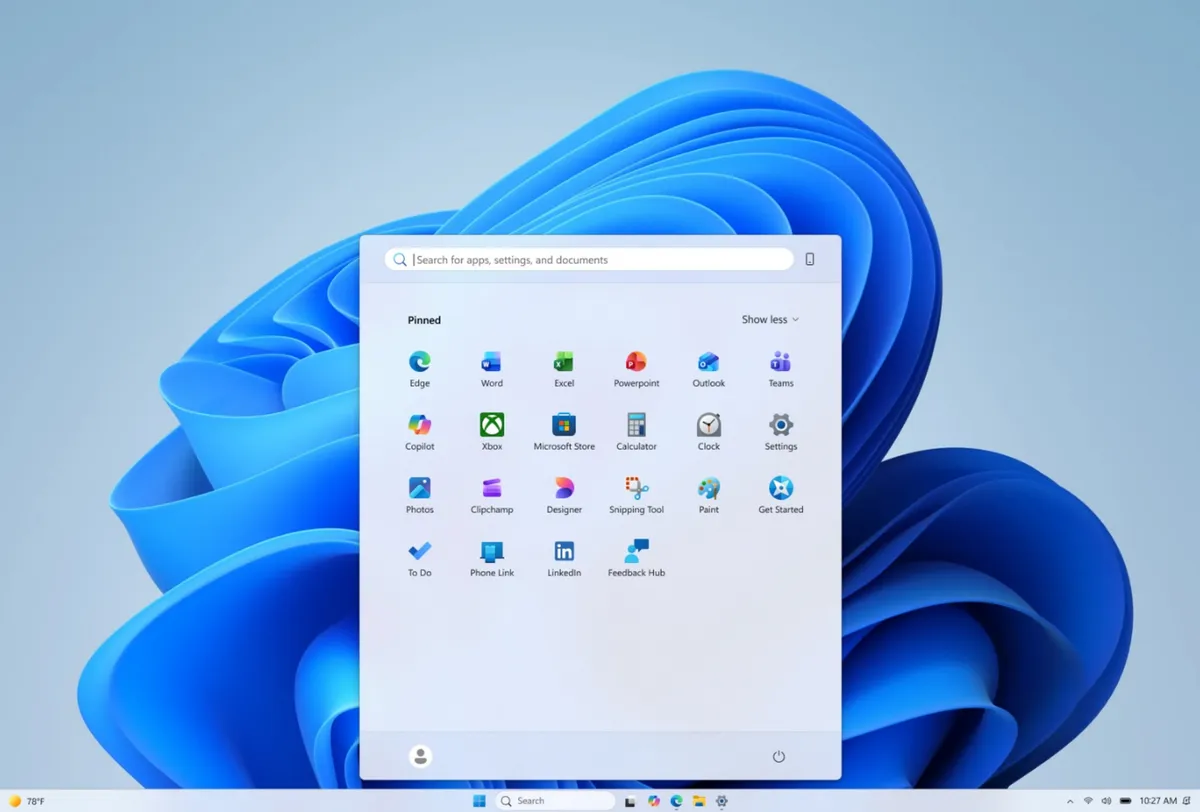
It's a small thing on paper. But if you've spent years staring at a screen, your taskbar position is weirdly personal. Left-side dockers are out there. They exist. They have opinions. And for four years Windows 11 told them their opinions were wrong.
Why this matters more than it should
Here's the thing - Microsoft has been on a bit of a listening tour lately. Between rolling back some controversial AI features and now restoring basic customization that users lost in the Windows 11 transition, there's a pattern emerging. The pattern is: people complained loudly enough and eventually got heard.
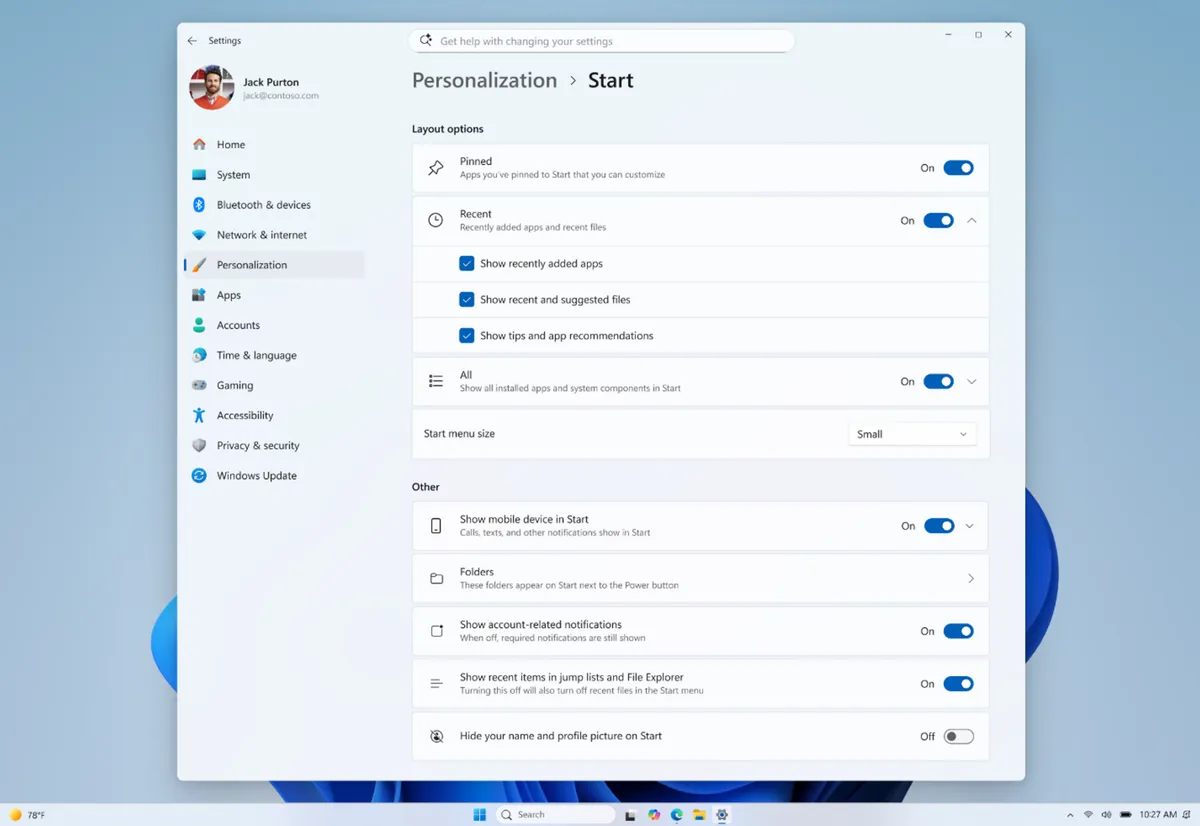
It's not glamorous. It's not a revolutionary AI-powered feature that will change how you work. It's just... your taskbar, going where you want it to go. Which is exactly what software should do.
So go ahead. Dock it to the left. Dock it to the right. Make it tiny. Make it chunky. It's your computer and it's about time Windows remembered that.