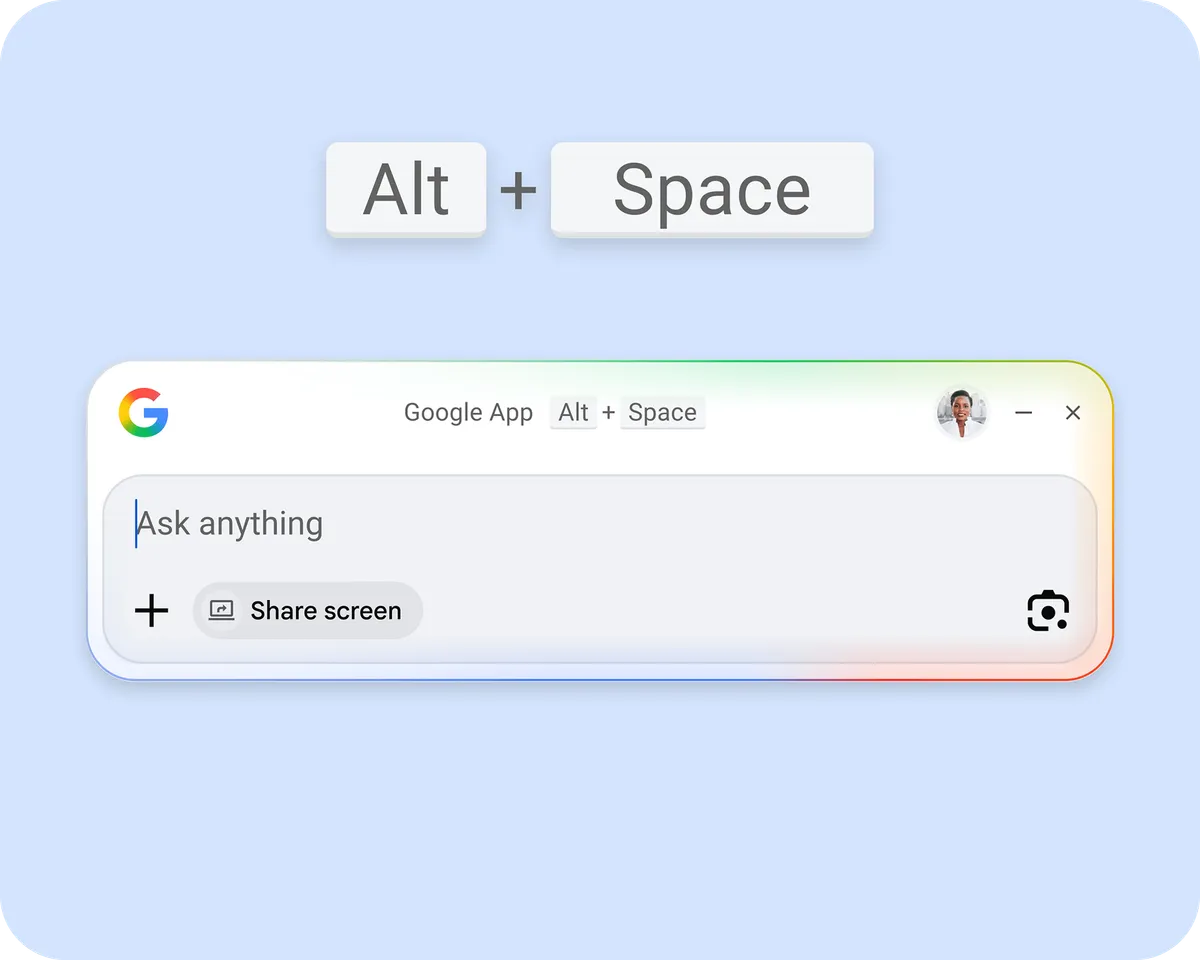
If you've ever used a Mac and then switched back to Windows, there's a decent chance the thing you missed most was Spotlight - that snappy little search bar that pops up instantly and just finds stuff. Google has been quietly building something similar for Windows, and as of now, it's available globally for anyone to download.
What it actually does
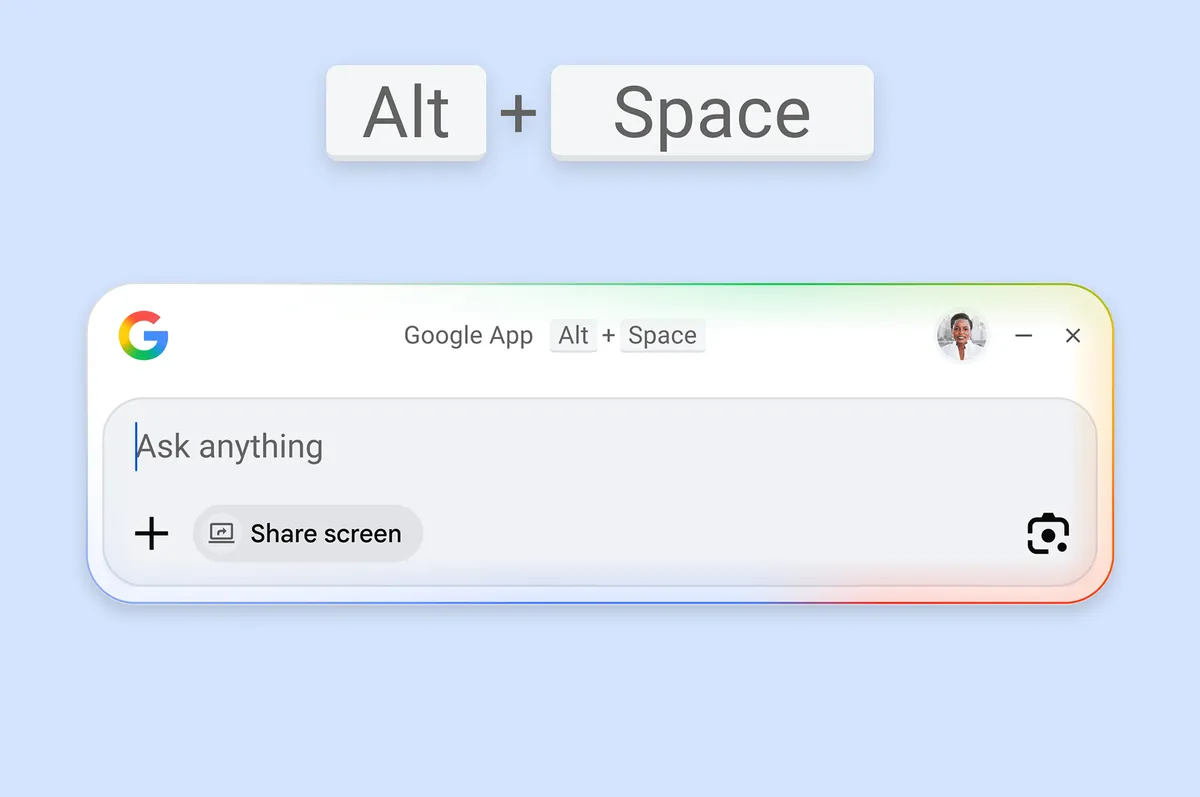
The Google desktop app for Windows lives in the background until you need it. Hit Alt + Space, and a search bar appears that lets you look through both the web and your local files at the same time. If you're someone who lives in Google Drive, that's covered too - the app searches your Drive content alongside everything else.

Results come with different views to filter through, including All, Images, and an AI Mode, which suggests Google is positioning this as more than just a file finder. It's a small but telling detail: this isn't just about locating a document you saved three months ago. Google clearly wants this to be your starting point for almost anything.
Why this is worth paying attention to
Windows has its own built-in search, of course, but ask most people how they feel about it and you'll get a polite grimace at best. It's slow, inconsistent, and has a habit of surfacing web results when you just want to find a local file. The bar for doing better isn't exactly sky-high.
Google's version integrates web search natively, which makes sense given that's the company's entire reason for existing. For people who already use Chrome, Google Drive, and Gmail as their daily toolkit, having all of that accessible through a single keyboard shortcut could genuinely streamline things.
How to get it
The app is available to download directly from Google's website and works on any PC running Windows 10 or newer. It launched in English globally, according to reporting from The Verge, after an earlier testing phase that started last year.
It's a free download, it's lightweight, and it solves a real annoyance. Whether it becomes a staple of your workflow or just another app you try once and forget about probably comes down to how deep in the Google ecosystem you already are. But if that answer is "pretty deep" - this one might actually stick.