

So you made the switch to DuckDuckGo. Maybe you watched one too many documentaries about data harvesting, maybe a tech-savvy friend shamed you at a dinner party, or maybe you just enjoy the smug satisfaction of not feeding the Google machine. Respect.
But here's the uncomfortable truth: most people who switch to DuckDuckGo use it exactly like they used Google - just with worse results and more self-righteousness. That's a waste. DuckDuckGo has a genuinely clever bag of tricks, and according to a recent roundup over at Lifehacker, most users have no idea they exist.
The features worth actually knowing about
The big one is bangs. Type an exclamation mark followed by a shortcode directly in the search bar and you get teleported straight to a search on another site. !w dogs takes you to the Wikipedia page for dogs. !yt lofi hip hop fires you directly into a YouTube search. !a for Amazon, !r for Reddit, !gh for GitHub. There are thousands of them. It's basically a universal search bar for the entire internet, and once you start using it you will feel genuinely unwell typing full URLs like some kind of caveperson.
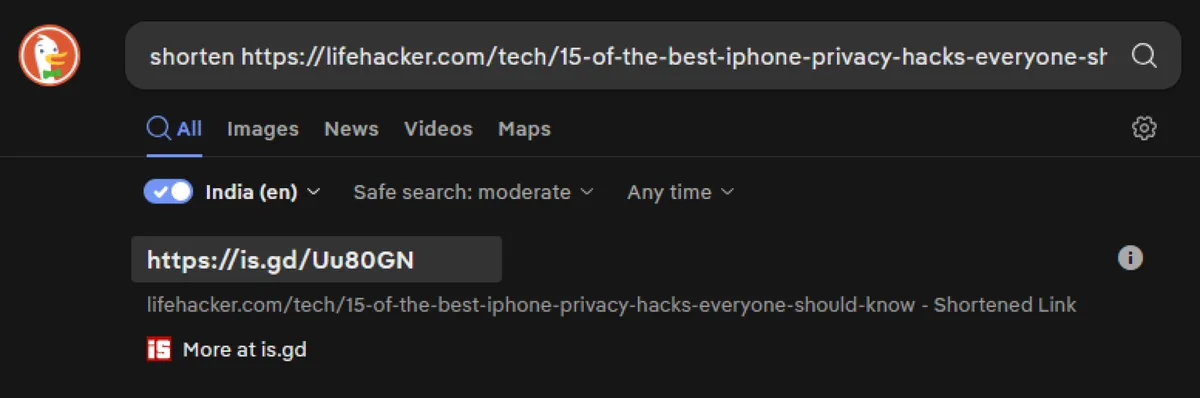
Then there are instant answers - built-in tools that mean you never have to leave the search page. Need a random password? Type "password generator" right in the search bar. Need a stopwatch, a color picker, or a loan calculator? DuckDuckGo just... does it. No clicking, no ads, no website trying to get you to sign up for a newsletter about loan calculators.

The nerdy stuff that actually slaps
You can also filter results way more precisely than most people realise - by region, by date, by whether you want safe search on or off. The settings panel is surprisingly deep for a search engine that markets itself on simplicity.
There's also a built-in maps feature that doesn't track your location history, and an email protection tool that gives you a disposable @duck.com forwarding address to use when signing up for things you don't fully trust. Which should be most things.

The bottom line
DuckDuckGo positioned itself as the privacy-first alternative to Google, and that's fine as a headline. But the real pitch is that it's packed with small, thoughtful features that make your daily browsing genuinely faster and less annoying - if you bother to learn them.
You already made the noble sacrifice of slightly worse autocomplete. You might as well get something out of it.