

Be honest: how many browser tabs do you have open right now? Ten? Thirty? Enough that you can barely read the titles and have to squint to find the one you actually want? The horizontal tab bar that's been a fixture of web browsers since forever is starting to show its age - and a growing number of people are switching to vertical tabs and not looking back.
What's the actual difference?
Instead of tabs lined up across the top of your browser window, vertical tabs run down the side of the screen like a sidebar. It sounds like a small tweak, but the effect is surprisingly significant. Because the sidebar has actual vertical space to work with, each tab can display its full title rather than getting squished into an unreadable sliver. Suddenly you can see exactly what each tab is at a glance, which makes navigating between them dramatically faster and less frustrating.
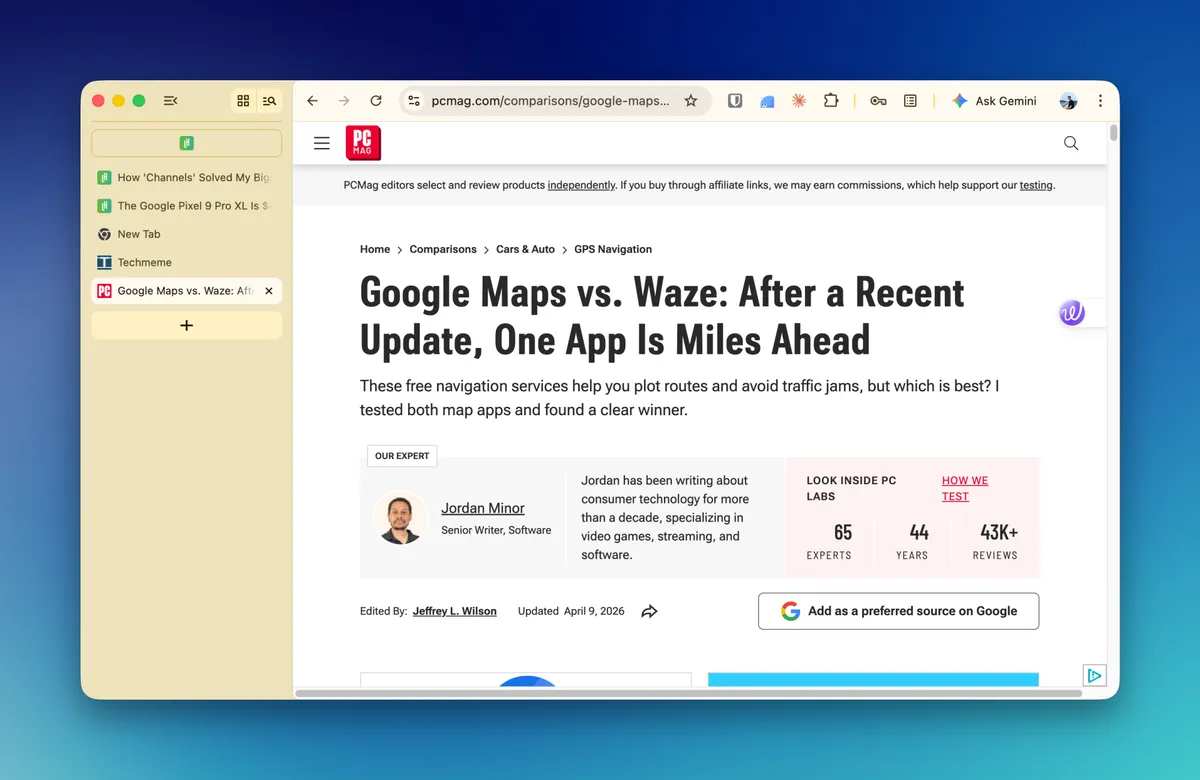
It also just makes more sense for how modern screens are shaped. Most monitors and laptops are much wider than they are tall - so dedicating a thin strip of horizontal real estate to tabs, while leaving the sides largely empty, has always been a bit of a waste. A vertical sidebar tucks neatly into that unused space without eating into the webpage itself.
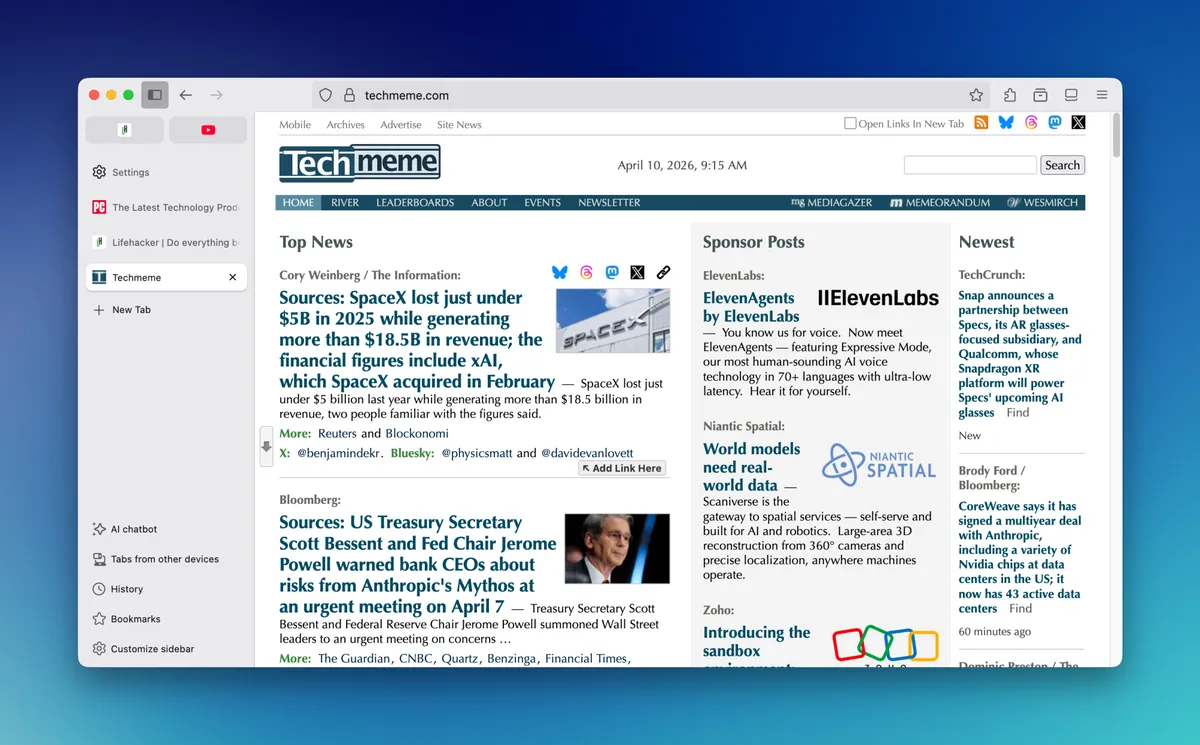
How to get started
The good news is you probably don't need to switch browsers to try this out. Microsoft Edge has had built-in vertical tab support for a while now, and it's genuinely well-implemented. Firefox users can explore extensions that add the functionality, and even Chrome has options available through the extensions store. If you're already a Safari user on a Mac, there are sidebar customisation options worth exploring too.
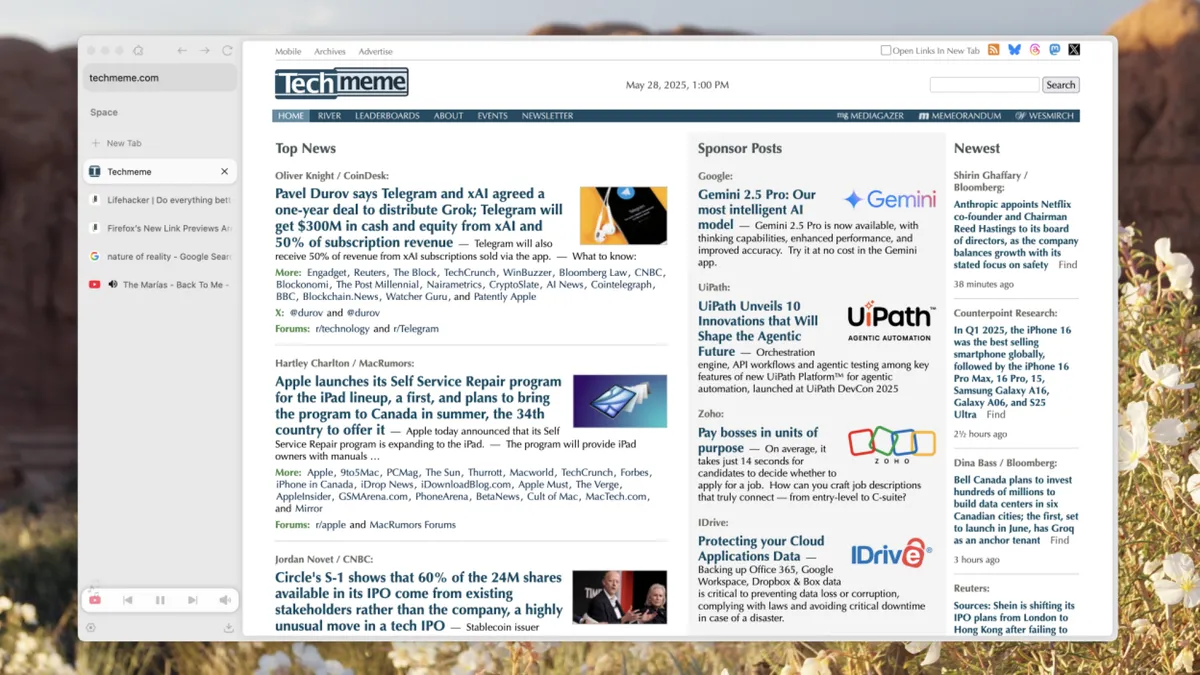
The transition takes a day or two to feel natural - your muscle memory will keep sending your eyes to the top of the screen for a bit. But most people who make the switch report that going back to horizontal tabs feels weirdly cramped afterward.
Why it matters beyond productivity
There's something almost calming about an organised vertical tab panel. When you can actually read what each tab says, you're more likely to close the ones you don't need. That means less digital clutter, less cognitive load, and - small but real - a slightly less chaotic relationship with your screen time. As Lifehacker points out, it's a simple change that pays off quickly.
If you spend a meaningful chunk of your day in a browser (and let's be honest, most of us do), it's worth spending five minutes rearranging the furniture. Your future self, hunting for that one open tab, will thank you.