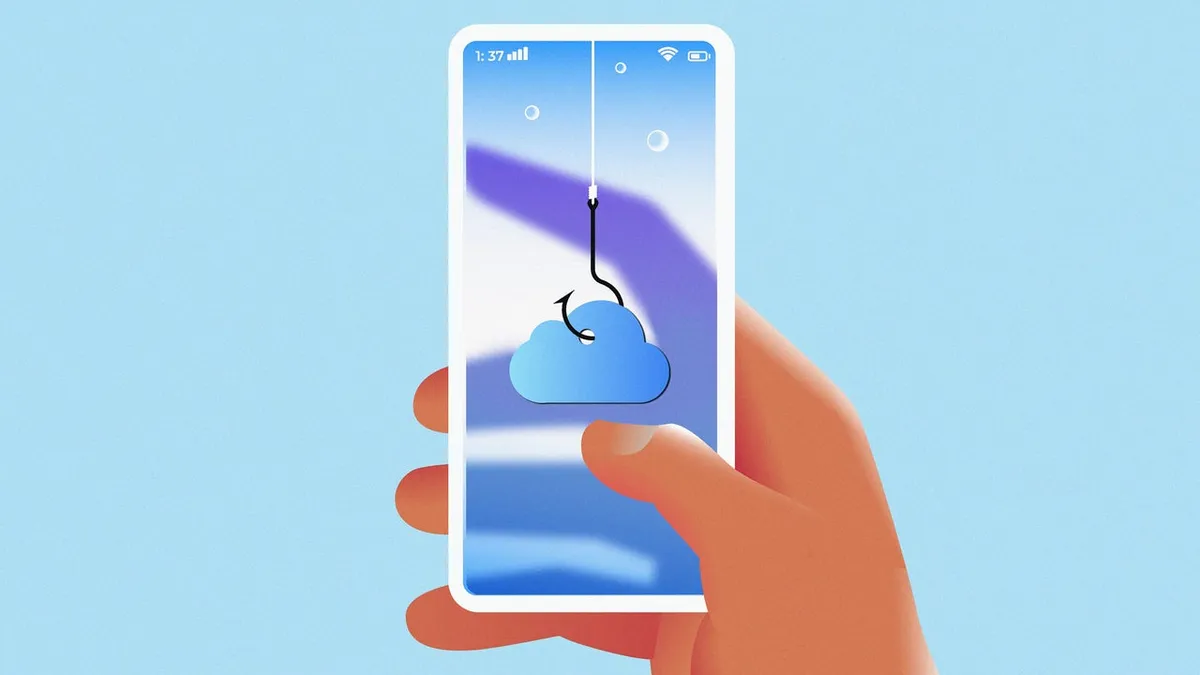
You've seen it before. That little nudge telling you your iCloud storage is almost full. Annoying, sure. But now that same anxiety is being weaponized against you, and a fresh wave of phishing scams is making it really hard to tell the difference between Apple and a criminal with a laptop.
The scam is embarrassingly simple (and that's the point)
According to a report from Fast Company, iPhone users are being targeted with messages designed to look exactly like official Apple alerts - warning that their iCloud storage is maxed out and they need to act now. Click here. Enter your details. Boom. Account compromised.
The trick isn't some genius-level hacking. It's social engineering, which is basically just fancy words for "convincing people to do dumb things by pretending to be someone trustworthy." Apple itself has flagged this in its own security guidance, noting that attackers "use impersonation and manipulation to first gain your confidence and trust, then trick you into handing over sensitive data or providing them with access to your account information."
In other words, they don't break into your phone. You let them in.
Why this scam hits different
The iCloud storage angle is particularly devious because almost everyone with an iPhone has gotten a real version of that warning at some point. It taps into a mix of tech anxiety and the very relatable "I need to deal with this later" energy that basically runs modern life. Scammers know you're not going to stop and interrogate a notification when your brain already has it categorized as "annoying but routine."
How to not get got
The rule of thumb here is embarrassingly simple but genuinely lifesaving: don't click links in unsolicited messages, even if they look legit. Instead, go directly to your iPhone's Settings app, tap your name at the top, and check your iCloud storage from there. No drama, no redirects, no handing your credentials to a stranger on the internet.
A few other red flags worth knowing:
- Any message creating extreme urgency around your account
- Links that don't point to apple.com
- Requests for your password or payment info via text or pop-up
Real Apple alerts will never ask for your password in a notification. Full stop.
The bottom line
Your iCloud storage probably is too full. (We all have 47 blurry photos of our feet in there, no judgment.) But the fix is never to panic-click a random link. Take a breath, go to your Settings, and handle it the boring way. Boring keeps your account safe.