
You know that feeling when you're deep in a workflow and need to quickly look something up, but switching apps feels like climbing Everest in flip-flops? Yeah, someone finally got tired of that too.
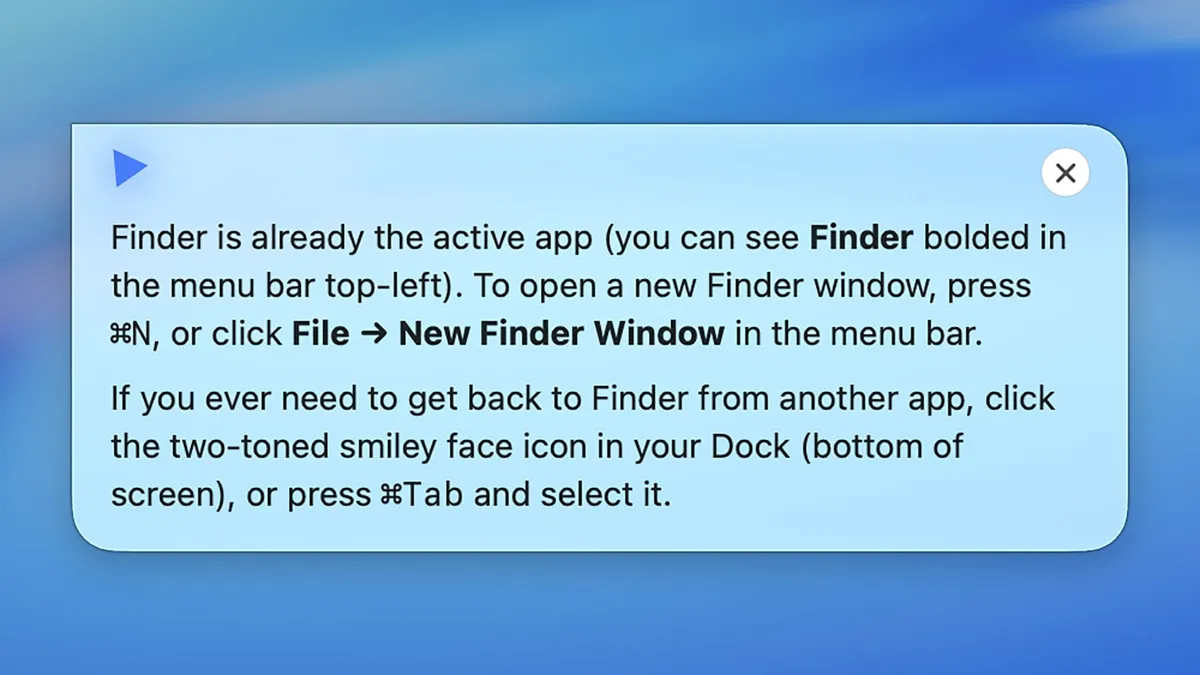
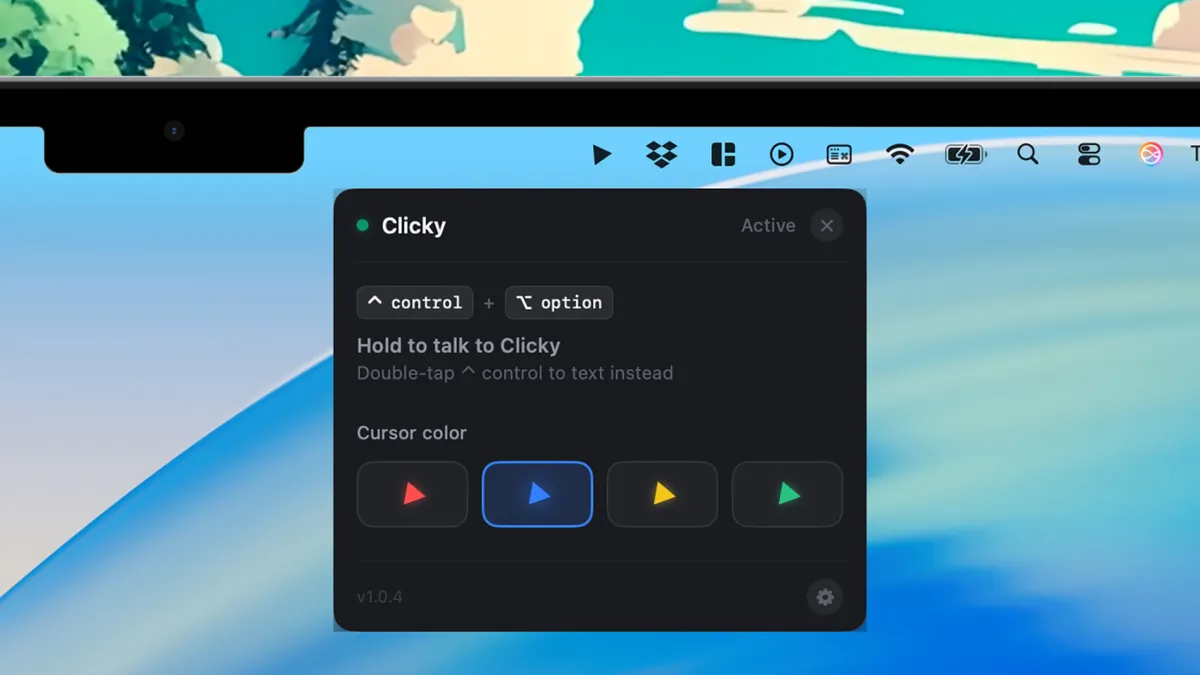
Clicky is a lightweight macOS companion app that parks itself right next to your cursor - like a helpful little gremlin that actually does what you ask. According to Lifehacker, it's designed to be versatile enough to help with just about anything you throw at it, without requiring you to alt-tab your way into an existential crisis.
So what's the big deal?
The cursor-adjacent floating interface is the real party trick here. Instead of being another app buried in your dock that you'll definitely forget about by Thursday, Clicky lives where your attention already is - right at the tip of your mouse. It's a small design choice that makes a genuinely large difference in how often you'll actually reach for it.
Think of it as the difference between having a sticky note on your monitor versus having one taped to your forehead. One of those gets used. (We're not recommending the forehead one, to be clear.)
Lightweight is doing a lot of work here
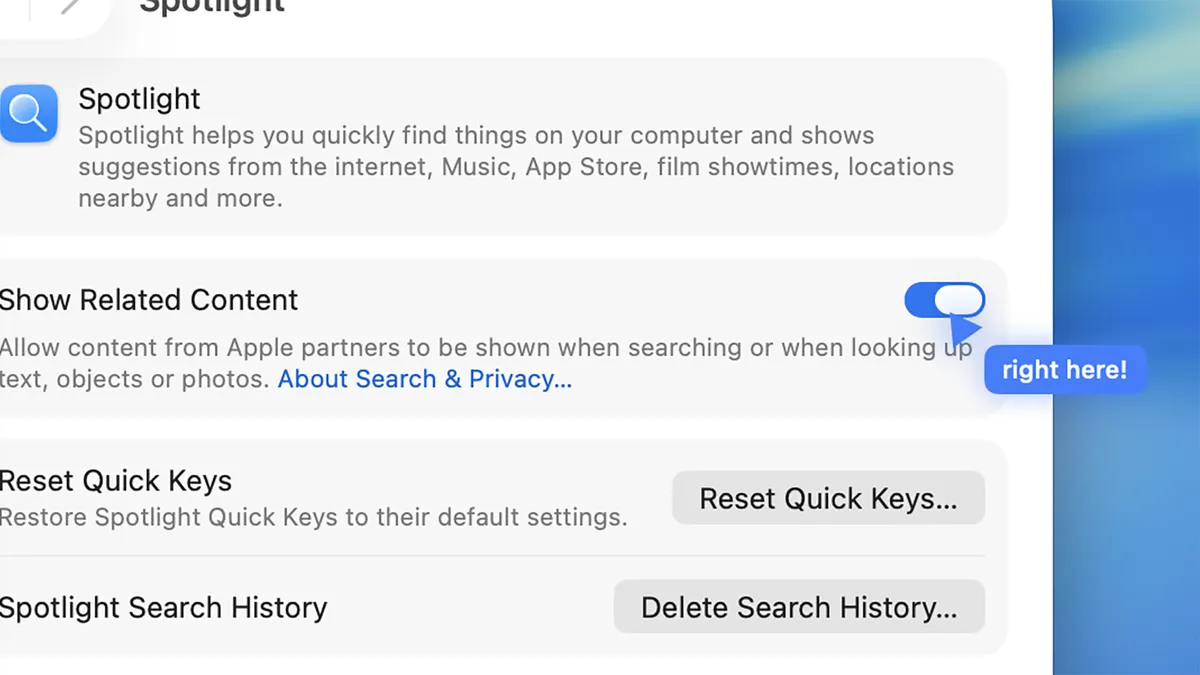
In a world where every productivity app wants to be your entire digital life, your calendar, your task manager, your therapist and your astrologer all rolled into one bloated subscription, a tool that's deliberately lightweight is almost a radical act. Clicky keeps things simple: it floats, it helps, it stays out of the way.
Mac users especially tend to have strong opinions about apps that hog resources or clutter the interface, so a tool that respects both your RAM and your aesthetic sensibilities is going to earn some serious goodwill.
Should you actually try it?
If you spend any meaningful chunk of your day in front of a Mac and find yourself constantly breaking focus to look things up or switch contexts, Clicky looks like a genuinely smart addition to your setup. It's the kind of tool that sounds almost too simple on paper, but lands differently once it's hovering right there next to your cursor like a tiny, competent co-pilot.
It won't reorganize your life or solve your inbox problem. But it might just save you from fifteen unnecessary context switches a day - and at that point, it's basically paying for itself in sanity.